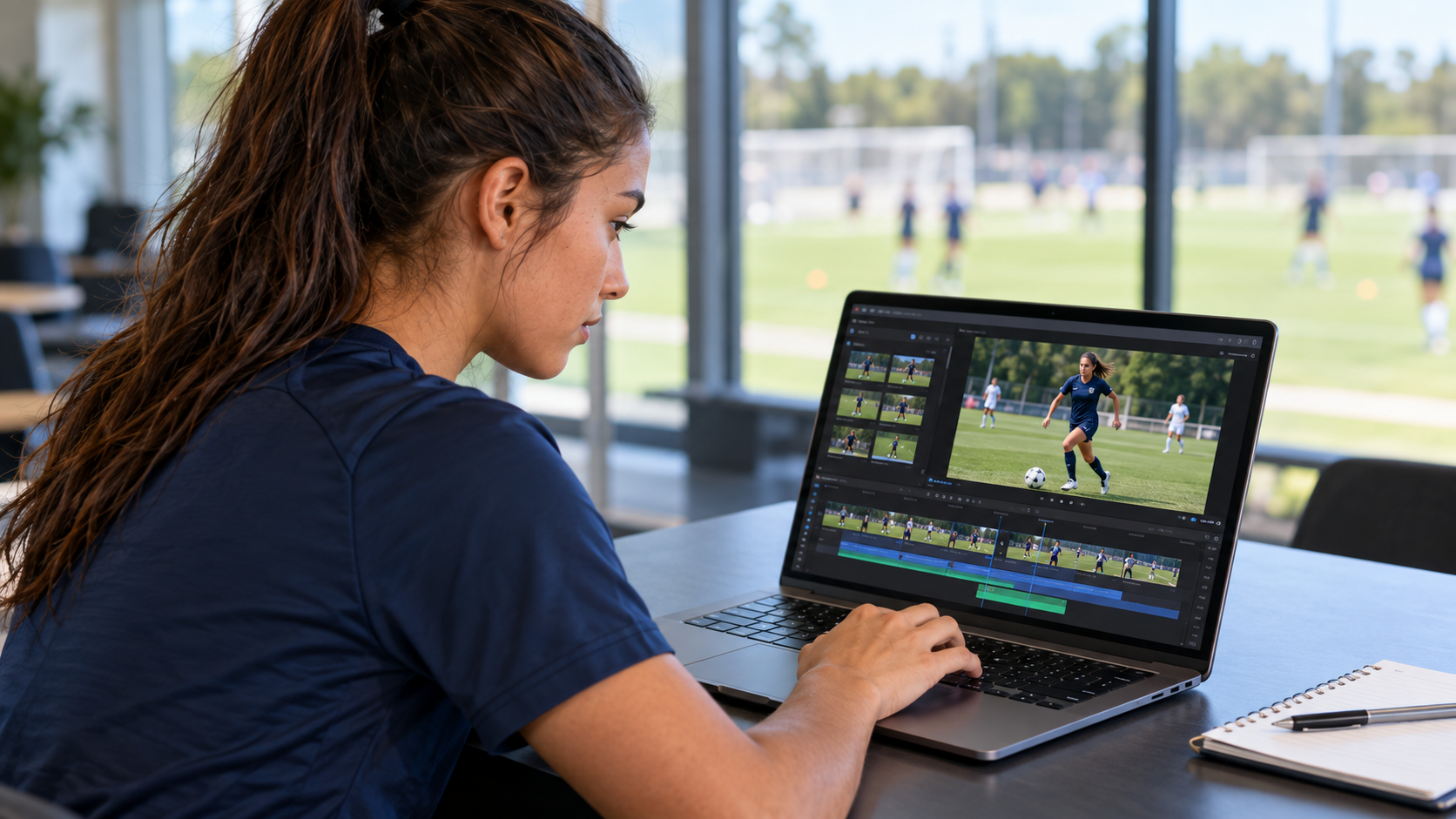
A highlight video introduces your athletic ability to college coaches. It should make your performance easy to evaluate, with clear footage, relevant skills and enough context to understand the action.
Your goal is to show who you are, how you play and why a coach may want to learn more about you.
Understand Which Type of Video You Need
Different videos serve different purposes:
Highlight video: Selected clips showing your strongest, most relevant performances.
Skills video: Footage demonstrating specific techniques, often in a training setting.
Full-game or full-event footage: Continuous video that provides a broader view of your performance.
A coach may request more than one type. Check the program’s instructions before preparing your footage.
Begin With a Clear Introduction
Use a brief opening screen with your name, graduation year, sport and position or main events. Include your current school or team and jersey number where relevant.
Keep this introduction easy to read and move quickly into the action. If your jersey number or uniform changes between clips, identify the change clearly.
You can include a link to your athlete profile at the end so the viewer knows where to find your academic information and additional results.
Choose Clips That Show Your Relevant Skills
Place strong, relevant footage near the beginning. Each clip should add useful information about your abilities.
Select a range of actions that match your role. For example, a soccer defender might include positioning, interceptions, tackles and passing. A baseball pitcher could show different pitches, control and delivery from useful camera angles.
Include enough footage before and after the main action to show how the play develops. A successful outcome is more informative when the coach can also see your decisions and technique.
Ask your current coach to help you select footage that accurately represents your level.
Make Yourself Easy to Identify
In team sports, the viewer should immediately know which athlete to watch.
Use a brief arrow, circle or spotlight before the action begins, then remove it so it does not obstruct the play. Your jersey number and uniform color can provide additional identification.
Clear labeling, relevant clips and visible action help coaches follow the video without having to search for you.
Use Clear Footage and Simple Editing
Record from a stable position with a clear view of the playing area. For most field and court sports, landscape footage provides useful space to follow the action.
Avoid zooming so closely that important movement, teammates or opponents disappear from view. Keep the ball, athlete and relevant surroundings visible.
Use straightforward cuts between clips. Show actions at normal speed before adding any slow-motion replay that helps explain a technique. Keep measured performances, such as races or timed drills, unaltered.
Label training footage separately from competition footage, and identify the season or event where useful.
Keep the Video Focused
Follow any length or format requested by the coach.
For an introductory highlight reel, choose a concise selection of clips and remove repeated examples that do not demonstrate anything new. A shorter video with varied, relevant footage can be more useful than a longer collection of similar moments.
Keep full-game, full-match or complete-event recordings available for follow-up requests. These give the coach information beyond your selected highlights.
Share a Link That Someone Else Can Open
Upload your video somewhere that provides a stable, shareable link. Set the viewing permissions appropriately and check that the link works outside your own account.
Before sending it:
Open it on a phone and a computer.
Check that the footage and introduction are readable.
Ask someone else to test the link.
Confirm that the viewer does not need to request access.
Add the link to your athlete profile and include it in personalized recruiting messages. Give the video a clear title with your name, sport, graduation year and season.
Update Your Video as You Develop
Review your video when you have stronger footage, a new season or a change in position or event.
Keep your introduction current and make sure older links still work. Before sharing a new version, check that every clip features you and accurately represents the information you provide.
Create your free athlete profile on CollegeSportMatch and bring your highlight video, athletic results and academic information together.